

Link Telegram to your Primal account, open @primaltradebot, and
press Start in a private chat. Choose each feed in
Premium setup or the bot’s
/feeds or /settings menu. New
subscriptions start Off for all four feeds. Linking Telegram or starting the bot does not
subscribe you automatically.
The terminal and bot show the same private-chat feed settings. Delivery requires the current
account link and active Premium; expired or unlinked accounts do not receive Premium feeds.
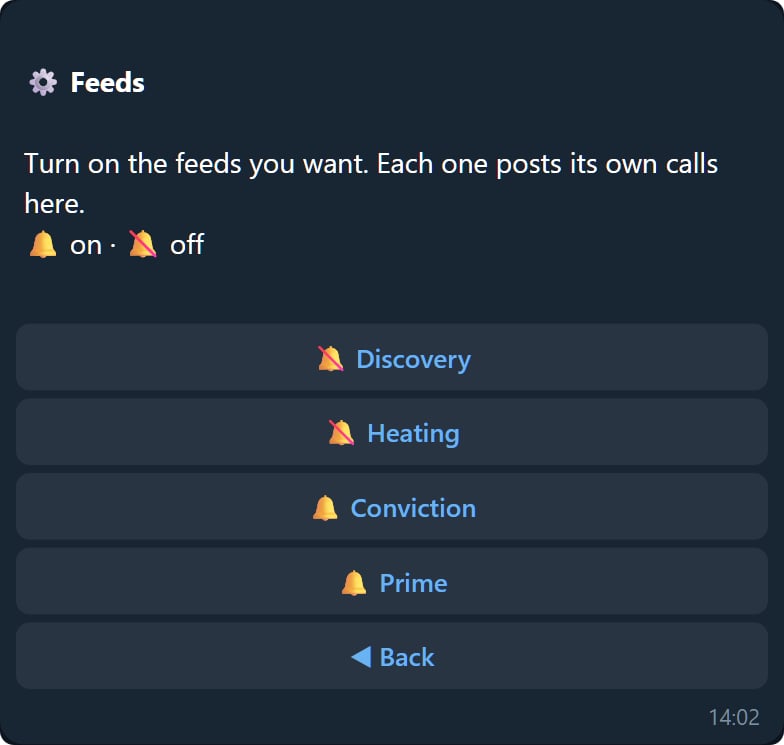
Picking a subset
The feeds correspond to the named lanes in Radar and the Alpha Prime record. Choose the feeds you want in your inbox and change each subscription independently. A feed name is not a safety rating or a promised outcome. Free Telegram tools, including audits, invites, and leaderboards, remain separate from these Premium feed subscriptions.Calls
What arrives when a lane fires.