

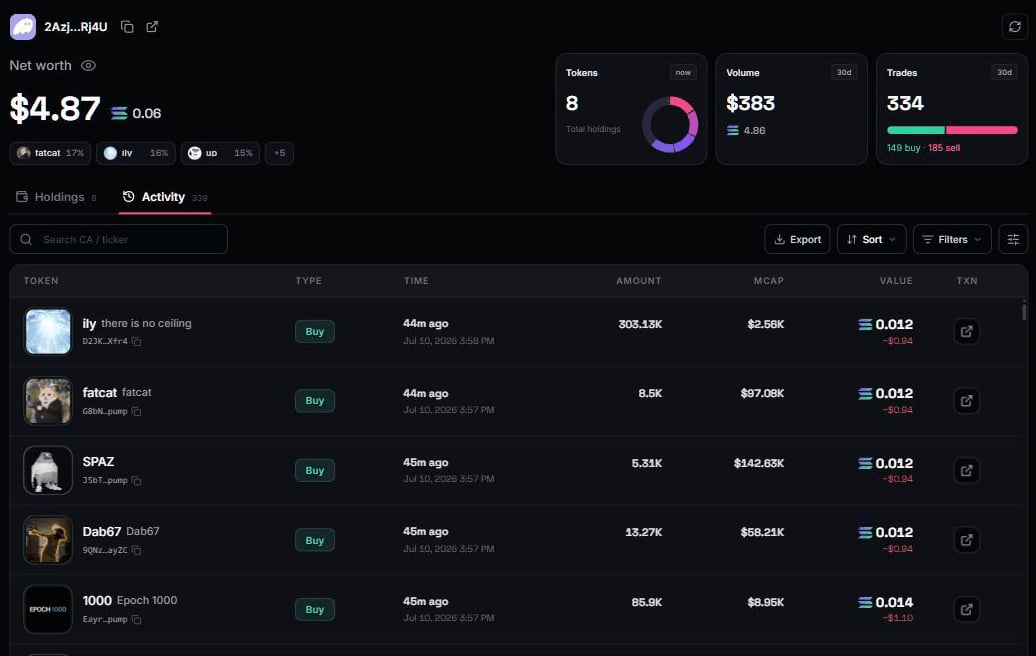
Reading the rows
- Buys and sells show the real executed amounts. What actually moved, not what was quoted.
- A sell of a token whose market later died shows — for current value. The executed amounts remain the record.
- Failed transactions are labelled exactly that: attempts that never executed. They are not trades, they never touch your totals, and they are hidden by default. A counter shows how many. Tap to reveal.