> ## Documentation Index
> Fetch the complete documentation index at: https://docs.primal.trade/llms.txt
> Use this file to discover all available pages before exploring further.
# Watchlist
> Star a token anywhere. It follows you everywhere.
Tap the ★ on any card or row to watch a token: Radar, Alpha, search, Portfolio. The watchlist is
one list across the whole terminal.
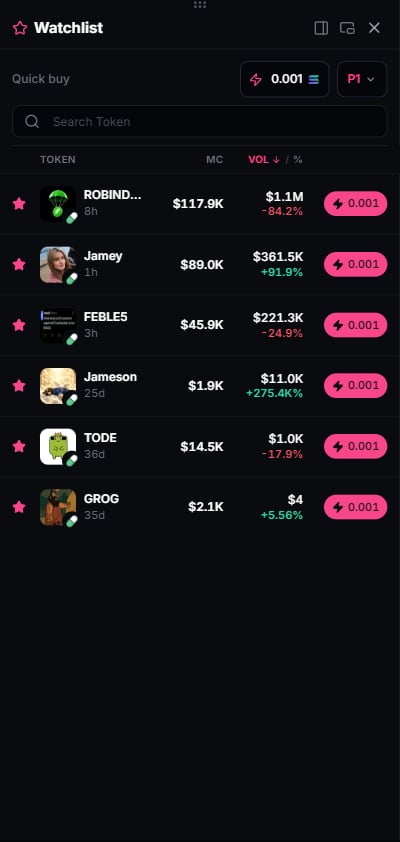 * The **Watchlist dock** (side panel) shows your starred tokens with live prices wherever you
are.
* **Following only** on Radar and Alpha collapses those feeds to your stars.
* Stars persist across sessions on the same browser. No account needed.
## Notes
* Watching is free and local to you. It signals nothing to anyone else.
* A watched token whose market goes quiet stays on the list with its last live state. Remove it
with the same star tap.
* The **Watchlist dock** (side panel) shows your starred tokens with live prices wherever you
are.
* **Following only** on Radar and Alpha collapses those feeds to your stars.
* Stars persist across sessions on the same browser. No account needed.
## Notes
* Watching is free and local to you. It signals nothing to anyone else.
* A watched token whose market goes quiet stays on the list with its last live state. Remove it
with the same star tap.